
This article may contain affiliate links.
Let’s just say it outright: sticking your hands behind a dashboard feels like rummaging around blindfolded in a box full of breakable antiques. Everything is cramped, everything is wedged against something else, and everything you touch feels like it might snap if you inhale too hard. That’s why the real first decision is simple: Where will you get safe, workable space from?
You’re choosing between shifting the cables or shifting the components—and the difference matters more than most people realize.
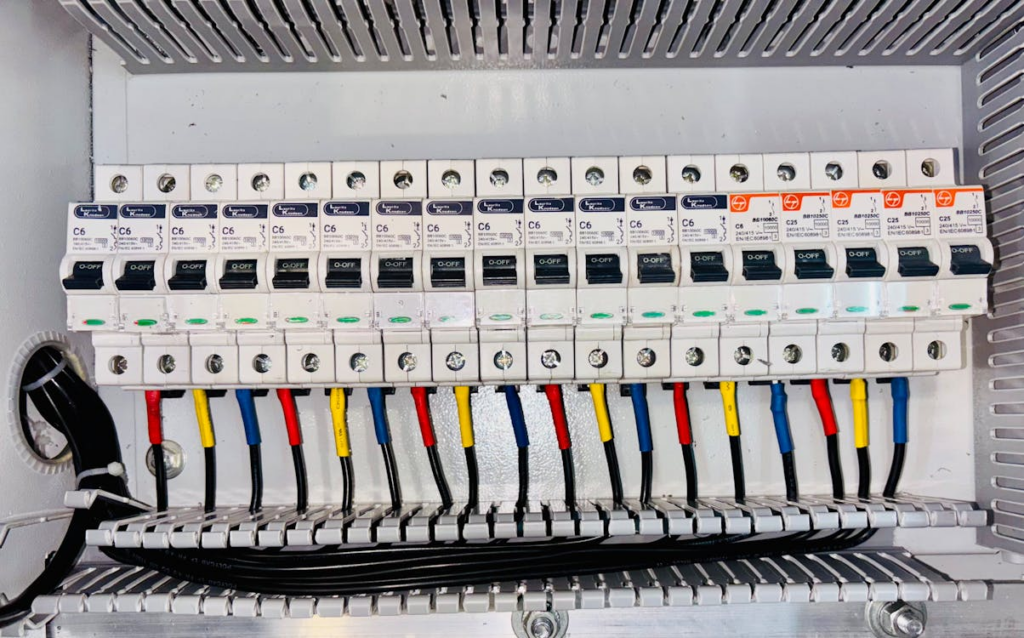
If you shift the cables, you avoid messing with the alignment of the dashboard hardware, but you risk creating those tight little bends smaller than the safe 25-40 mm bend radius for 18-22 American wire gauge (AWG) wiring. Those bends age badly, especially with behind-dash temperatures jumping from 68°-to 149°F over a typical year.
If you shift components (we’re talking 1-2 mm, not something dramatic), you instantly gain routing room. But components also “remember” their original positions, and if your new wire path pushes with anything over a small force, the trim starts sitting proud by 1-3 mm or rattling on certain roads. It can be annoying forever.
Here’s what helps before you commit to a direction:
- Press the harness with two fingers (roughly 1-2 pounds of pressure) to find its stiffest points—that’s where tension lives.
- Feel around for hidden recesses; you’ll find 20-45 mm voids you’d never see otherwise.
- Loosen screws by 1/4 turns (90°) to let components float just enough without risking cracked mounts.
Eventually, your fingers simply won’t reach. You can practically see the path, but your hands refuse to fit. That’s where the right tool changes everything.
Tools That Actually Work in Tight Dashboard and Fuse-Box Spaces
Once your hands won’t fit, the job stops being about strength and starts being about reach, control, and not damaging anything you can’t see. The most useful tools in these spaces aren’t exotic—they’re just chosen for how they behave when visibility and angles disappear.
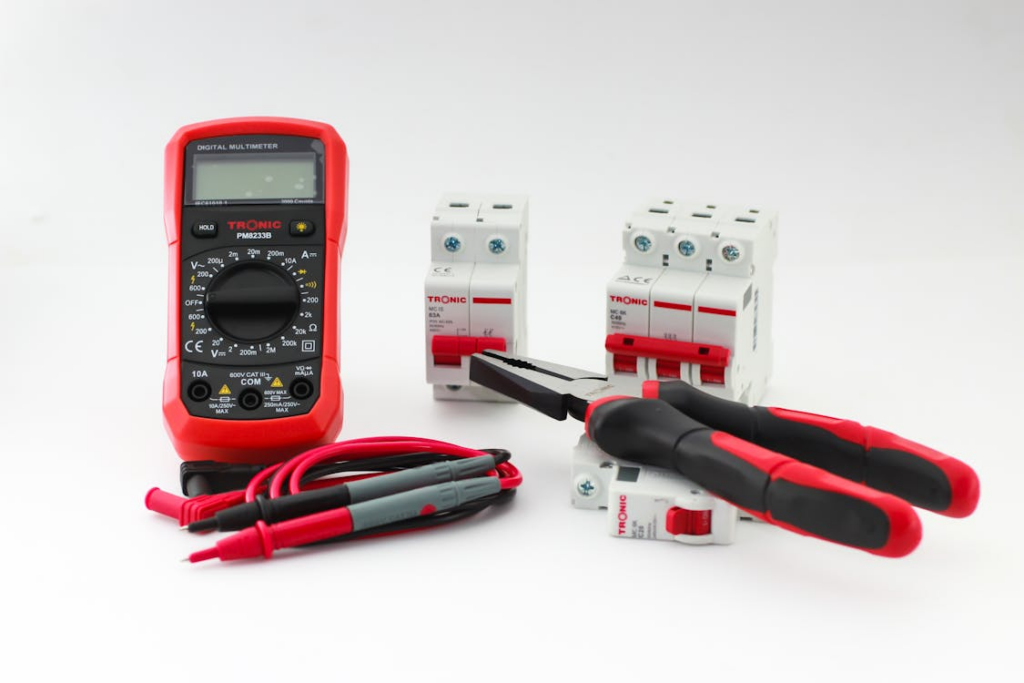
Tool Types that Actually Help
- Parallel-action long-nose pliers: Let you grip wires and connectors evenly without crushing insulation or deforming housings. They’re ideal for blind positioning, stabilizing a connector while you shape slack or guiding parts into alignment. Tools like the Maun Long Nose Side Cutter Parallel Pliers are a great choice here because the jaws stay parallel even at full reach.
- Slim needle-nose pliers (smooth jaw): Best for nudging, pointing or lifting wires into recesses—not for squeezing. Use these when you need reach and precision with minimal grip force.
- Flush or side cutters with a narrow head: Essential for trimming zip ties in 8–10 mm gaps without nicking nearby insulation or loom tape.
- Trim or panel tools (plastic or nylon): Useful for gently creating space, holding panels off by 1–2 mm, or tucking wires into channels without introducing metal edges.
- Hook tools or angled picks: Perfect for teasing out hidden slack, releasing clips one at a time or repositioning a wire loop you can feel but can’t grab.
- Small inspection light or headlamp: Even brief visibility reduces over-gripping. A focused beam helps confirm orientation before committing pressure.
The goal isn’t to muscle wires into place, it’s to control movement in millimeters, apply just enough force to reposition, and leave everything unstressed once your hands come back out.
How to Add or Remove Cable Slack without Cutting Anything
Here’s the emotional truth: everyone reaches a moment where they stare at a wire that seems 30-50 mm too short and think, “Great. This is impossible.” But slack is rarely missing—it’s just tucked in the wrong geometry.
You get two real choices:
Option 1: Re-Route for More Length
Change one anchor point and everything shifts. Move a wire above a bracket instead of below, widen a curve from a 15 mm radius to 30-40 mm, and suddenly you gain exactly the length you need.
But do it deliberately:
- Release one clip at a time. Popping multiples lets slack redistribute 40-70 mm unpredictably.
- Warm the area for 3-5 minutes to soften insulation by 41-46°F, making the harness easier to reshape.
- Anchor with one hand and shape with the other so tension doesn’t travel 5-10 cm beyond where you intend.
Option 2: Reorganize Slack that Already Exists
Those tight S-curves are hoarding cable-like dragons hoard gold. Straighten them and you’ll typically find 10-30 mm of usable slack.
Know when to stop. Creaking means loom tape is protesting. Insulation compressing over 10 percent is a red flag. If the wire rebounds 5-7 mm when released, deeper tension still exists.
Once you do get slack, the next battle is keeping wires where you put them.

How to Keep Cables in Position When Everything Wants to Spring Back
Wires have memory. After years in one shape, they want to snap back to it when they encounter minimal of resistance. Dashboards vibrate—anywhere from 20-200 Hz depending on the road and rpm. So, you’re choosing between temporary restraints and permanent ones.
- Temporary restraints help during test-fitting: hook-and-loop wraps (100-150 mm for 15 mm bundles), foam wedges (compress to 30-50 percent) and loose clips (2-3 mm play).
- Permanent restraints lock in the final path: zip ties tightened until they stop sliding + 2-3 mm, adhesive mounts held 8-12 seconds above 59°F, and loom tubing sized 5-10 mm above bundle diameter.
One insider trick: start restraining from the deepest point outward. If a wire can resist a slight tug without shifting, you’re doing it right.
Now the wires are stable, but if the connectors themselves receive even a tiny strain, that stability won’t last.
How to Orient Connectors So They Don’t Loosen, Twist or Bind
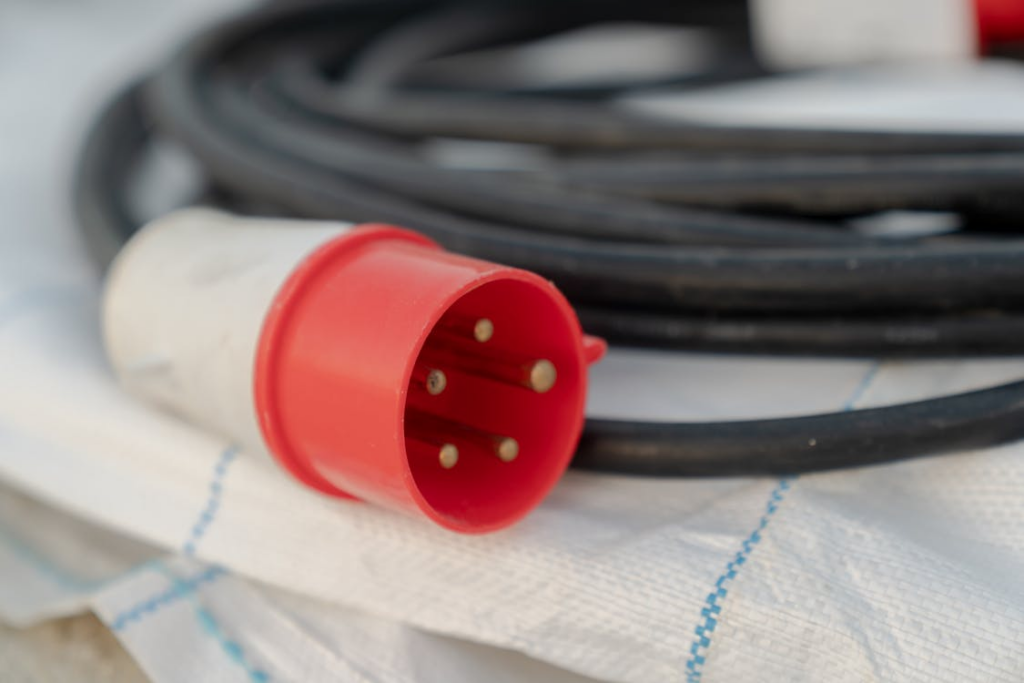
Here’s where a lot of dashboard issues begin. A connector rotated even 3-5° off its natural orientation will work loose over time. So your actual decision is whether to rotate the connector or the harness.
Rotate the connector if the harness is pulling with more than half pound pressure. Or if trim geometry forces anything beyond that 5° misalignment. Or if the locking tab won’t seat after 2-3 tries. Use the Maun or similar pliers with ¼-to-½ pound of grip so you don’t scar the plastic.
Keep the original orientation for airbags, ignition or CAN lines—anything where predictable geometry matters for future troubleshooting.
Testing orientation is simple, but precise: Hold the harness 50-70 mm behind the connector and move it 1 cm in each direction. If the connector wiggles 1-2 mm, fix it. If you hear clicking, reseat the lock with one pound of pressure.
Once connectors behave, the next dread people have is rattles. And they should. Rattles are the ghosts of dashboard work.
How to Prevent Rattles, Pressure Points and Long-Term Wear Behind Trim Panels
Cars shake constantly. Even EVs have harmonic vibrations. A wire rubbing lightly can still wear through over time. So, you pick between padding and repositioning.
- Padding works when contact is minimal: 3-6 mm closed-cell foam, loom tape with a 50 percent overlap, rubber isolators with 8-12 mm space. Keep trim bulge under 1 mm.
- Repositioning is mandatory for metal edges, trim bulges over 1 mm or wires near moving parts with 2-5 mm clearance.
To test for rattles, lightly tap the trim with ¼-to-½ pound of knuckle force. Buzzing means something underneath needs attention.
Now that it’s quiet, think about your future self—or the tech who gets this dashboard after you.
How to Lay Out Wiring So You Can Fix It in the Future
There’s nothing worse than doing gorgeous wiring that becomes unserviceable. Bundling and separating are both valid; it depends on the circuits.
- Bundle related wires into 8-20 mm clusters with zip ties spaced 80-120 mm apart.
- Separate unrelated circuits by 5-15 mm, and keep high-current wires 20 mm from signal lines.
- Hybrid works best: bundle for the first 100-150 mm, then branch.
This is how you keep the next repair (or upgrade) sane.
Now the last step—the moment of truth—is testing.
How to Test the Wiring Layout Before Committing to Full Reassembly
Testing is where confidence shifts from “I think it’s fine” to “It is fine.” You get two testing modes, depending on your anxiety level.
Partial trim is for simulating pressure: tape panels with 1-2 mm compression so you can see whether wires pinch.
Full exposure testing is for visibility. Run loads cold (59-68°F) and warm (86-104°F), flex harness sections 5-10 mm, and cycle components 3-5 times.
If nothing crackles, flickers, buzzes, clicks or shifts under that level of testing, the job’s actually done. Not the “I hope this works” done—the kind where you close up the dashboard and know nothing’s coming loose on a random Tuesday.
